Mac
Three-finger tap or a shortcut on a word in any app, whether that's Safari, a PDF, a game or a video.
Learn more →The dictionary that opens where you're reading
In any app on your Mac or PC, point at a word, three-finger tap or press a shortcut, and the meaning that fits the sentence shows up next to it. Free, no account needed, and every word you look up can come back for review.
No account needed. Your dictionaries work offline, with no limits.
⌁Click the highlighted word to replay a real lookup
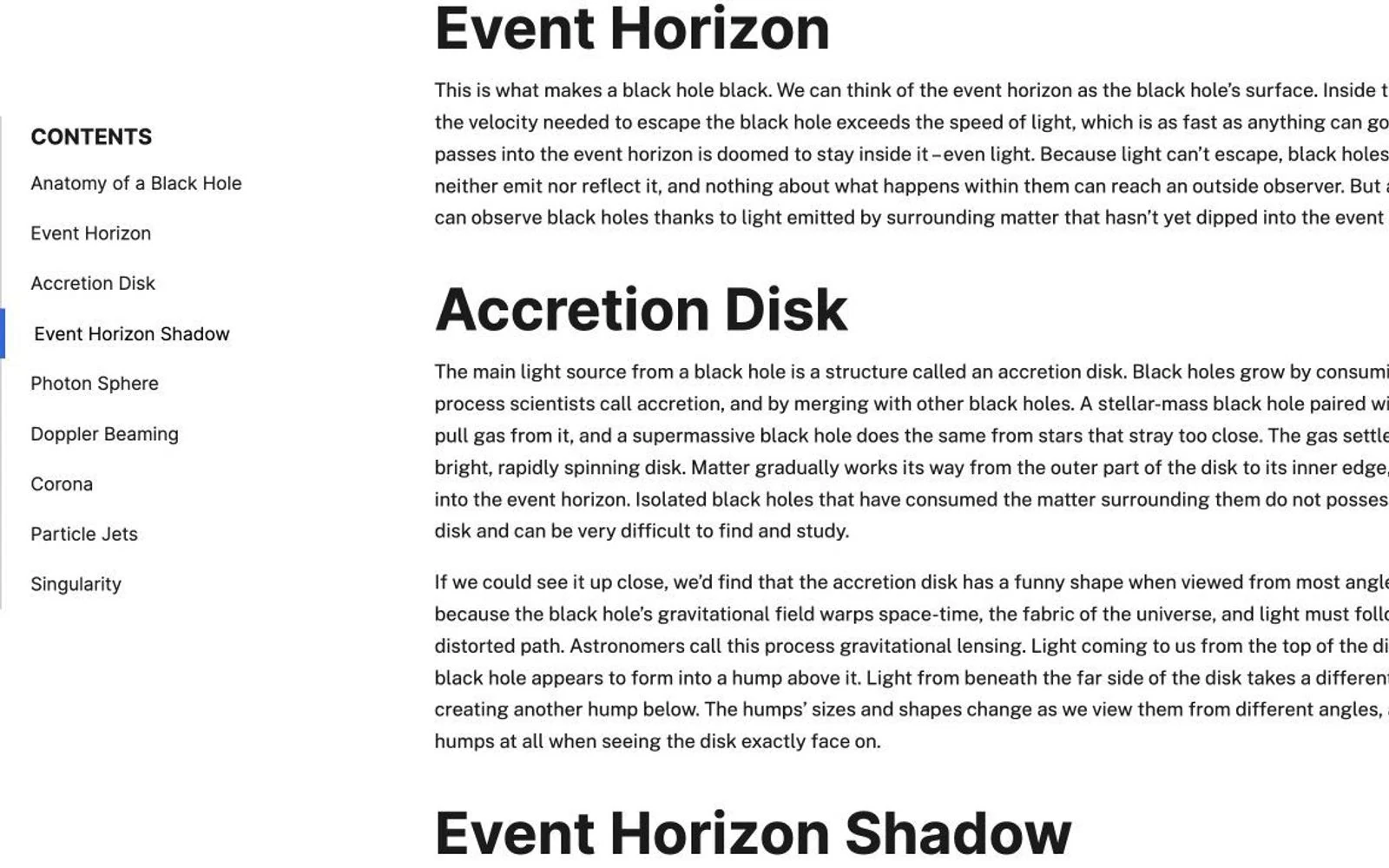
horizonLook up “horizon”
Wherever you read
Three-finger tap or a shortcut on a word in any app, whether that's Safari, a PDF, a game or a video.
Learn more →One shortcut in any window. Text in games and images is read straight from the screen.
Learn more →Look up from the share sheet, carry your dictionaries with you, and review on the go.
Learn more →Review your words and train word books without installing anything.
Learn words →Built for reading
You get the sense the sentence is actually using, not a list of every definition the word has.
A trackpad gesture or a shortcut on the word, in whatever app you're using. No copying, no switching windows.
Read your own MDict dictionaries, with online explanations added while you have lookups available. Local dictionary cards remain available offline and after your allowance runs out.
What people use it for
Point at a term in any PDF reader and get the meaning the paper is using. Scanned pages work too.
Learn more →Text you can't select is read from the screen, so a line of dialogue can be looked up without leaving the game.
Learn more →Words from your reading and the word book you're studying go into one review queue.
Learn more →Import a folder of MDict dictionaries. Each keeps its own layout, and there's no limit on how many.
Learn more →After the lookup
Looking a word up once isn't the same as learning it. AALookup keeps the sentence you found it in, brings it back just before you'd forget it, and drills it four ways, so the next time you meet the word you remember it instead of looking it up again.
Open the word trainerA gesture or shortcut in any app gives you the sense used in that sentence.
The word goes into your list with the sentence and context it came from, never as a bare headword.
Each word comes back on its own schedule. Word books drill it by copying, spelling, listening and recall.
Sign in, and lookups on your desktop and reviews in the browser stay in step.
From the FreeMdict forum
I'm a Mac user, and the trackpad gesture alone made me download it. Lookups are fast, and it combines the strengths of dictionaries and AI. The built-in three-finger Look Up often gets the range of a Chinese word wrong; AALookup is spot-on in English and nearly always right in Chinese. Genuinely smooth.
It's not just fast, it's that you can look things up anywhere. And the interface is modern; it feels like my dictionary app jumped from an antique straight into the present.
Very quick to respond, and really smooth to use.
Compared with macOS Look Up
| macOS Look Up | AALookup | |
|---|---|---|
| Where it works | Apps with selectable text | Any app, including games and video |
| Windows | No | Yes, with a shortcut |
| What you get | Every sense in the dictionary | The sense this sentence uses, with your dictionaries below |
| Afterwards | Nothing | The word is saved with its sentence and comes back for review |
What's new
Private by design
Your dictionary files and the text you read stay on your device. When you ask for an online explanation, AALookup sends the word, the sentence around it and the relevant dictionary text, and nothing else.
Questions
Yes. Looking words up in your own dictionaries is free, offline and unlimited, and so are the word list, review and the browser version. AI explanations come with a free trial, and Plus adds more if you want them.
No. Sign in only if you want your words and progress to follow you to other devices.
macOS 13 or later, Windows 10 and 11, Android 11 or later, and iPhone and iPad. Review also works in any browser.
On a Mac, Accessibility to read the word under your pointer, and Screen Recording to read text in games and images. Windows asks for nothing.
Use your own MDict files and import a whole folder at once, or download sample dictionaries from the list in Settings.
Yes. Local dictionaries, your word list and review all work without a connection. Only AI explanations need one.
No. Dictionaries and the text you read stay on your computer. When you ask for an AI explanation, that sentence and the relevant dictionary text are sent to produce it, and nothing else.
Android: download the APK from this page and allow the install when your phone asks. iPhone and iPad: install through TestFlight, Apple's own app for installing outside the App Store. The link is next to the downloads.
Get AALookup
Checking the latest release…
iPhone and iPad install through TestFlight. Open the TestFlight link