A whole folder at once
Point AALookup at your dictionary folder and it adds every dictionary in it, with resources, styles and covers.
Dictionaries
Import a folder of MDict dictionaries once. AALookup keeps every dictionary's original layout, lets you add your own style and zoom level per dictionary, and searches all of them with one gesture.
No account needed. Your dictionaries stay on your computer.
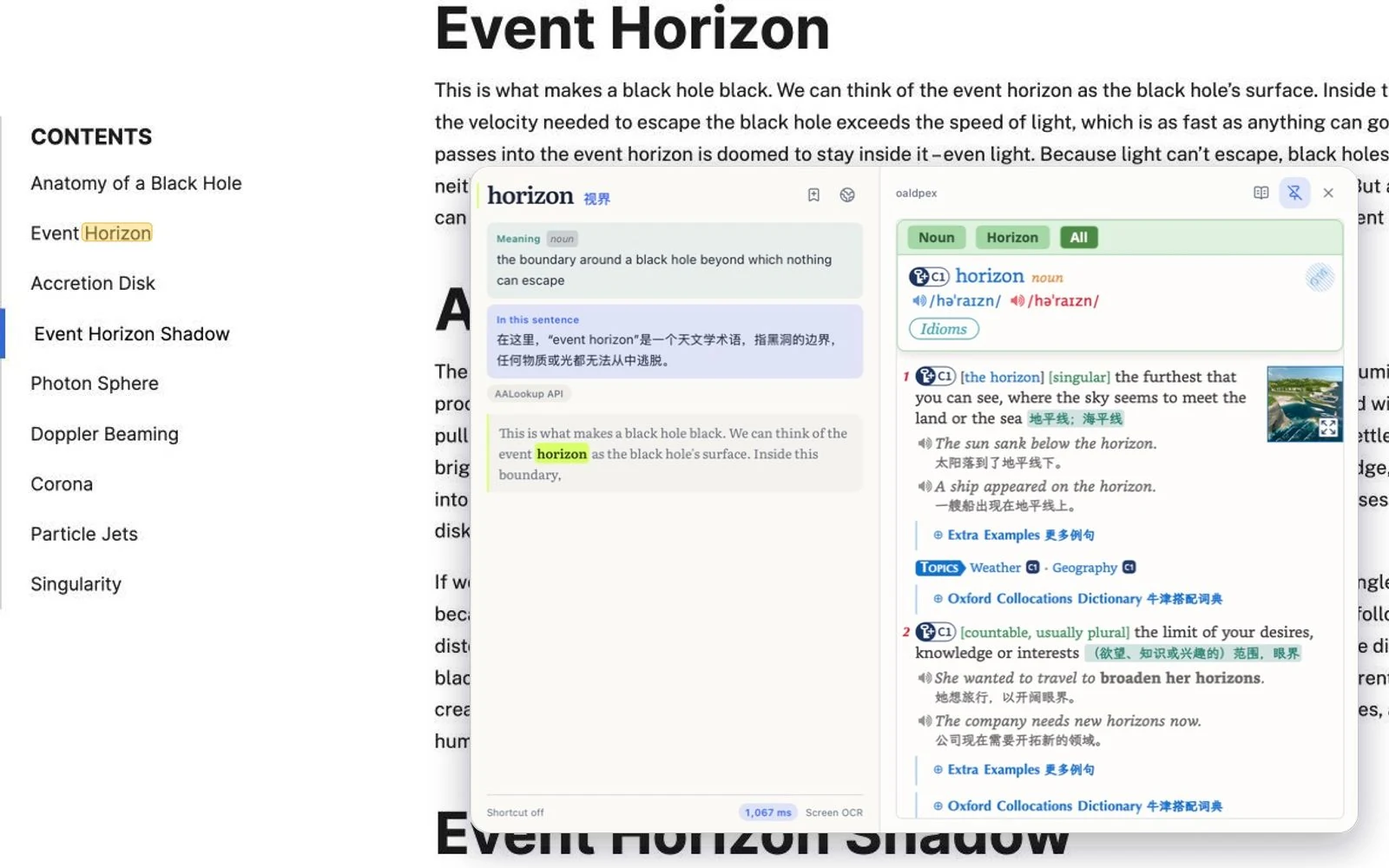
Point AALookup at your dictionary folder and it adds every dictionary in it, with resources, styles and covers.
Add CSS or a script to a dictionary, set its zoom anywhere from 50% to 300%, and preview the result before saving.
Collections of hundreds or thousands of dictionaries are fine. Group them, then filter by group.
Free, no sign-up
macOS or Windows, under 20 MB, no account needed.
On a Mac, allow Accessibility so it can read the word under your pointer, and Screen Recording for text in games and images. Windows asks for nothing.
Three-finger tap on a Mac, or press your shortcut on Windows. The meaning appears next to the word.
I used to chain two apps together, one for grabbing words off the screen and GoldenDict-ng for the dictionaries. AALookup does all of that on its own, and the UI is done really well.
A really good tool. On Windows I used STranslate and always wished it could open my local dictionary files, because a local lookup is always faster than asking an AI. This solves exactly that.
MDict files, meaning .mdx with their .mdd resources. It's the format most shared dictionaries use.
No. Your dictionaries are on your computer and work offline, without limits.
Yes. AALookup reads its own copies of the same files, so your other apps are untouched.
Use the ones you already have, or download sample dictionaries from the list in Settings.
Get AALookup
Local dictionaries work offline and without limits. AI explanations come with a free trial.
Checking the latest release…