Your dictionaries, offline
Import a folder of MDict dictionaries on your phone too. Lookups are free, offline and unlimited.
AALookup for Android
Install the APK, sign in with the same account, and your saved words and review schedule come with you. Look words up in your own dictionaries offline, review on the bus, and everything syncs back.
No account needed. Your dictionaries stay on your computer.
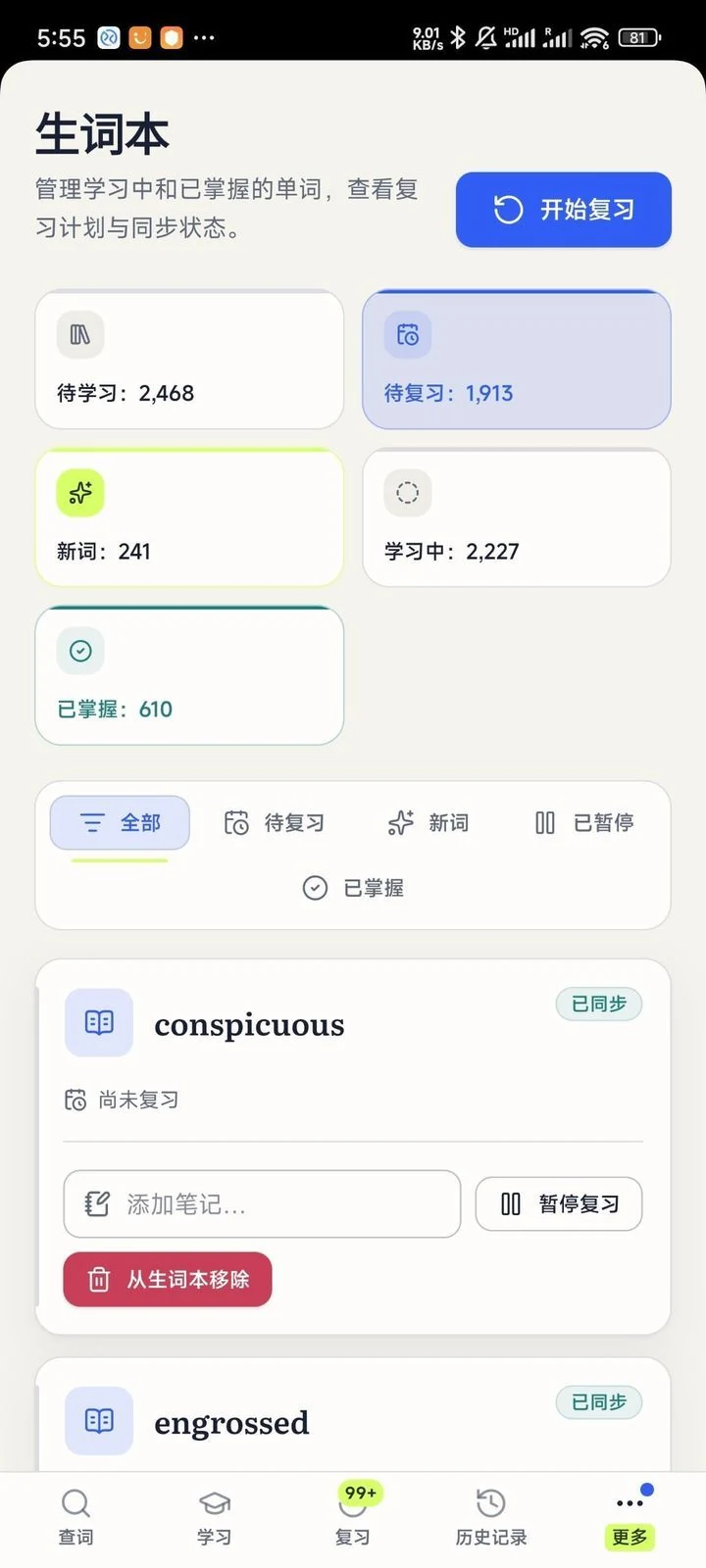
Import a folder of MDict dictionaries on your phone too. Lookups are free, offline and unlimited.
Cards come up when they're due, together with the sentence you saved them from. A few minutes on the way to work keeps the queue short.
Sign in once. Free sync covers your first 100 unmastered cards, and Plus syncs everything, mastered cards included.
Free, no sign-up
macOS or Windows, under 20 MB, no account needed.
On a Mac, allow Accessibility so it can read the word under your pointer, and Screen Recording for text in games and images. Windows asks for nothing.
Three-finger tap on a Mac, or press your shortcut on Windows. The meaning appears next to the word.
Download the APK from this page and allow installs from your browser when Android asks. It isn't on Google Play.
Android 11 or later.
Yes. The phone app signs in with your AALookup account so your words can sync. Creating one is free.
Yes. Dictionaries, the word list and review are free. Plus adds unlimited sync, mastered cards included.
Get AALookup
Local dictionaries work offline and without limits. AI explanations come with a free trial.
Checking the latest release…