No ads, no pop-ups, no floating ball
Nothing runs on your desktop between lookups, and nothing is promoted inside the panel.
Compared with Youdao Dictionary (有道词典)
Youdao is a whole suite. AALookup is one panel. Point at a word in any app, read the meaning this sentence is using and the entry from a dictionary you chose, keep the word if you want, and get back to reading. No ads, no pop-ups, nothing floating on your desktop, and a 20 MB download.
No account needed. Your dictionaries stay on your computer.
Nothing runs on your desktop between lookups, and nothing is promoted inside the panel.
Import MDict dictionaries, as many as you like, in their publisher's layout. The dictionary you trust, rather than a fixed set.
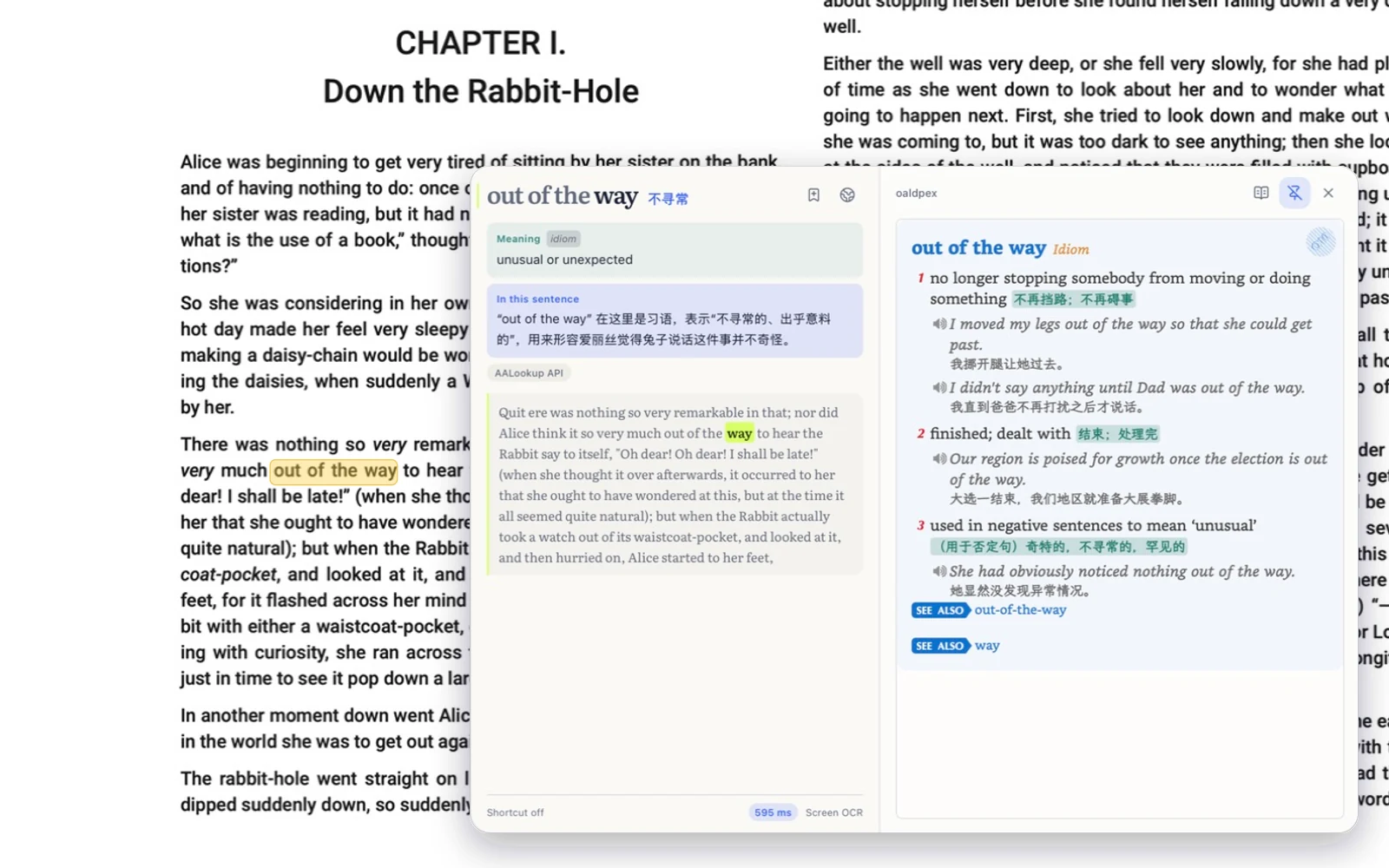
Instead of every sense at once, you get the one this sentence is using, with the full entry underneath. Games and video are read from the screen.
Free, no sign-up
macOS or Windows, under 20 MB, no account needed.
On a Mac, allow Accessibility so it can read the word under your pointer, and Screen Recording for text in games and images. Windows asks for nothing.
Three-finger tap on a Mac, or press your shortcut on Windows. The meaning appears next to the word.
It's not just fast, it's that you can look things up anywhere. And the interface is modern; it feels like my dictionary app jumped from an antique straight into the present.
A really good tool. On Windows I used STranslate and always wished it could open my local dictionary files, because a local lookup is always faster than asking an AI. This solves exactly that.
No. AALookup explains words and phrases in the sentence you're reading. It isn't a page translator.
From you. AALookup opens MDict files, and an online catalog offers dictionaries to download.
Not on a Mac or PC. Sign in only for sync between devices and for the longer AI trial.
Yes. Dictionary lookups are free, offline and unlimited. AI explanations come with a free trial, and Plus adds more.
Get AALookup
Local dictionaries work offline and without limits. AI explanations come with a free trial.
Checking the latest release…